Canva Pro is $18 a month now. Do you actually need it?
What Pro adds over the free plan, when Business makes more sense, who gets Canva for free, and what those $3 "Canva Pro" deals really are.
Quick answer
Canva Pro is $18 a month or $144 a year ($12 a month) in the US, for one person. Paying yearly saves $72. K-12 teachers and students and eligible nonprofits get most of it free. Teams need Business at $25 a month per person.
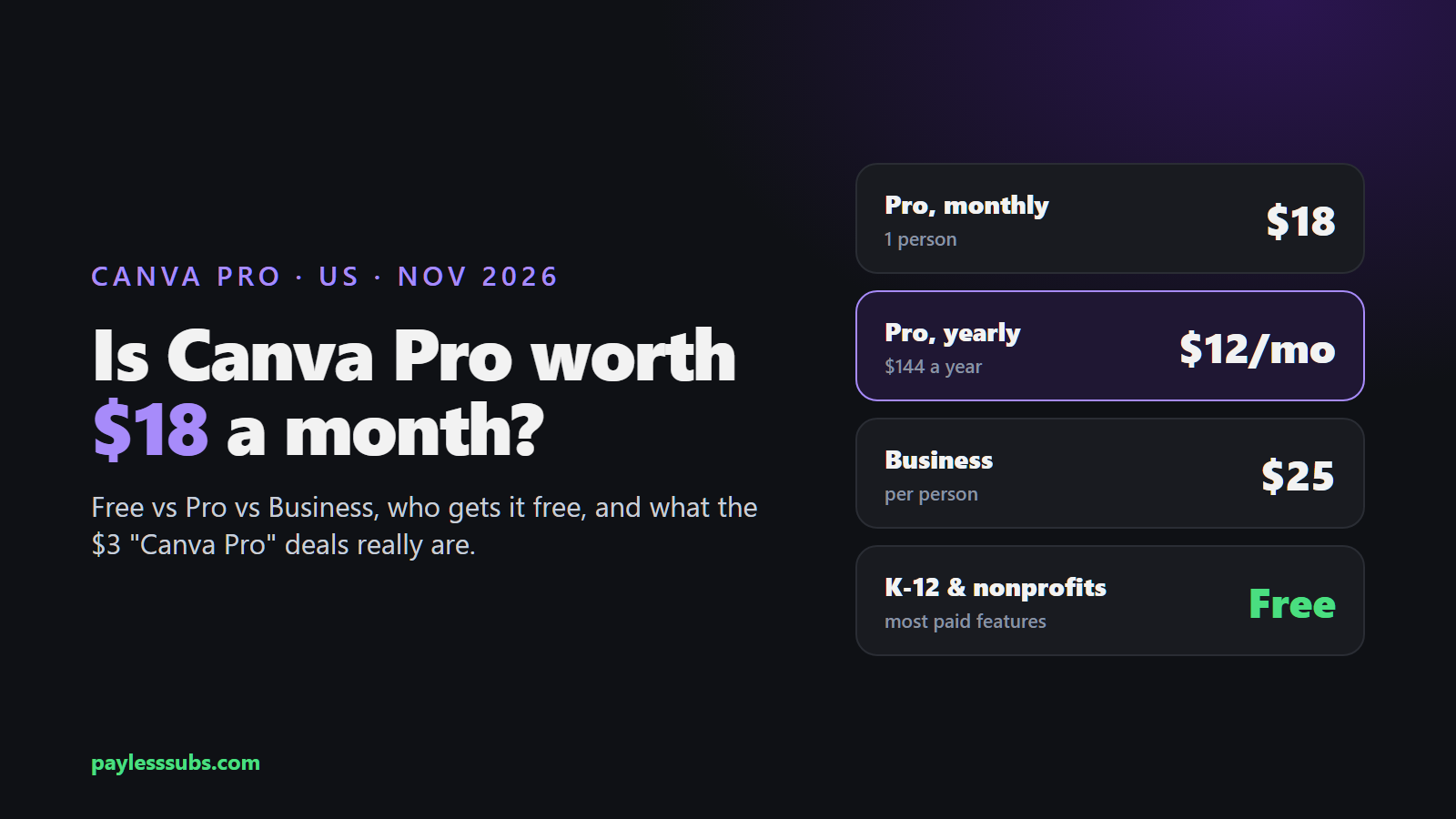
Canva prices in the US
| Plan | Monthly | Yearly | The main difference |
|---|---|---|---|
| Free | $0 | $0 | 1.6M templates, 5 GB, limited AI |
| Pro (1 person) | $18 | $144 | 3.6M templates, 141M photos and elements, 100 GB, 10x the AI |
| Business (per person) | $25 | $250 | Pro plus a shared team workspace, 500 GB, 20x the AI |
Enterprise is quote-only, and prices don't include tax. If you run out of AI usage on Pro or Business, Canva sells an AI Pass add-on on top.
Is Pro worth it over the free plan?
Canva Free is genuinely good, so this comes down to how often you hit the paywall. Pro is worth it if you keep clicking templates and photos with the little crown on them, or if you use the background remover, the one-click resize and translate tools every week. You also get 5 Brand Kits instead of one, post scheduling and 100 GB instead of 5 GB.
If you make a slide deck or a birthday invite every couple of months, stay on Free. If you need Pro for a single project, pay one month at $18 and cancel, or use the free trial on the pricing page.
Pro or Business?
Pro is strictly one person. The moment two people need to edit the same designs with the same brand kit, Canva wants you on Business, at $25 a month or $250 a year per person. That gets you a shared workspace, 100 Brand Kits with approvals, twice Pro's AI usage and 500 GB. Canva Teams, the old team plan, isn't sold anymore, though existing customers can keep it.
Who gets Canva for free
K-12 teachers and their students get Canva Education free, with most paid features. So do eligible nonprofits. College students are the ones who get caught out: there's no general student discount, only Canva Campus, and that only works if your school has signed up. Ask your school before you pay.
The $3 "Canva Pro" deals
Disclosure: the GamsGo link on this page is a referral link. If you buy through it, I earn a commission at no extra cost to you.
Resellers sell Canva for a few dollars. On GamsGo it's $3.99 for a month or $35.99 for a year, and the only type on offer is "Education (shared)". That means you get a separate account sitting under someone else's Education or Business plan; GamsGo says it can't upgrade your own Canva account.
That's the catch. Canva Education is meant for K-12 schools, so a seat sold to the public can be removed, and your designs go with it. For a one-off project where you download everything as you go, it can be fine. For anything with your brand on it, I'd pay Canva yearly. I haven't bought this one myself; my GamsGo review covers the refund rules.
FAQ
How much is Canva Pro?
$18 a month or $144 a year for one person on Canva's US pricing page (November 5, 2026). Yearly works out to $12 a month.
Is Canva Pro free for students?
Only for K-12 students, through their teachers. College students get it only if their school uses Canva Campus.
Can I share Canva Pro with my team?
No, Pro is one person. Teams need Canva Business at $25 a month per person; the old Canva Teams plan is closed to new sign-ups.
Is Canva free for nonprofits?
Yes, eligible nonprofits get most paid features free through Canva for Nonprofits.
Is Canva Pro worth it?
If you design something every week, yes. If it's a flyer here and there, the free plan covers most of it.
Only need Canva for a short project? Compare the reseller price, and keep copies of your designs.
Canva on GamsGo →